Remove all your TikTok reposts in one go.
TikTok's help describes removing one repost at a time. It does not document a batch option. Select reposts, confirm once, and FixMyTok removes them from your account. The original videos stay, but replies to a repost are deleted with it.

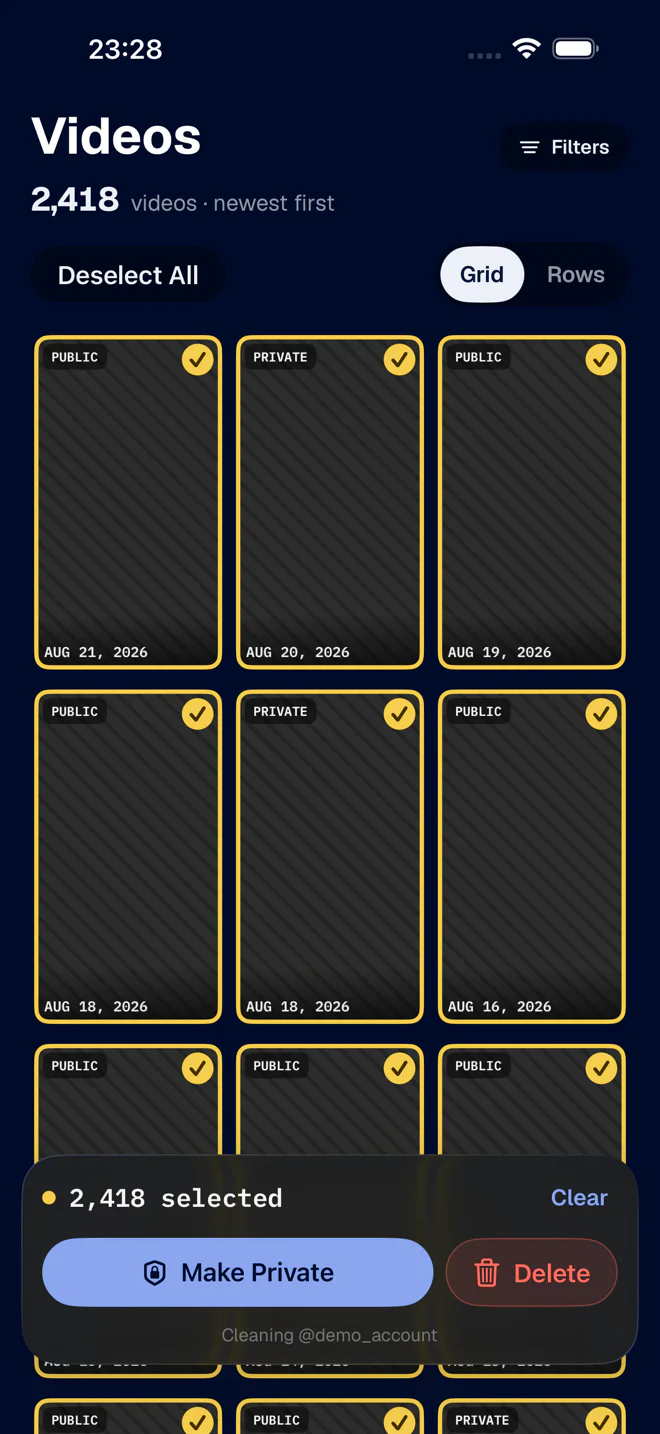
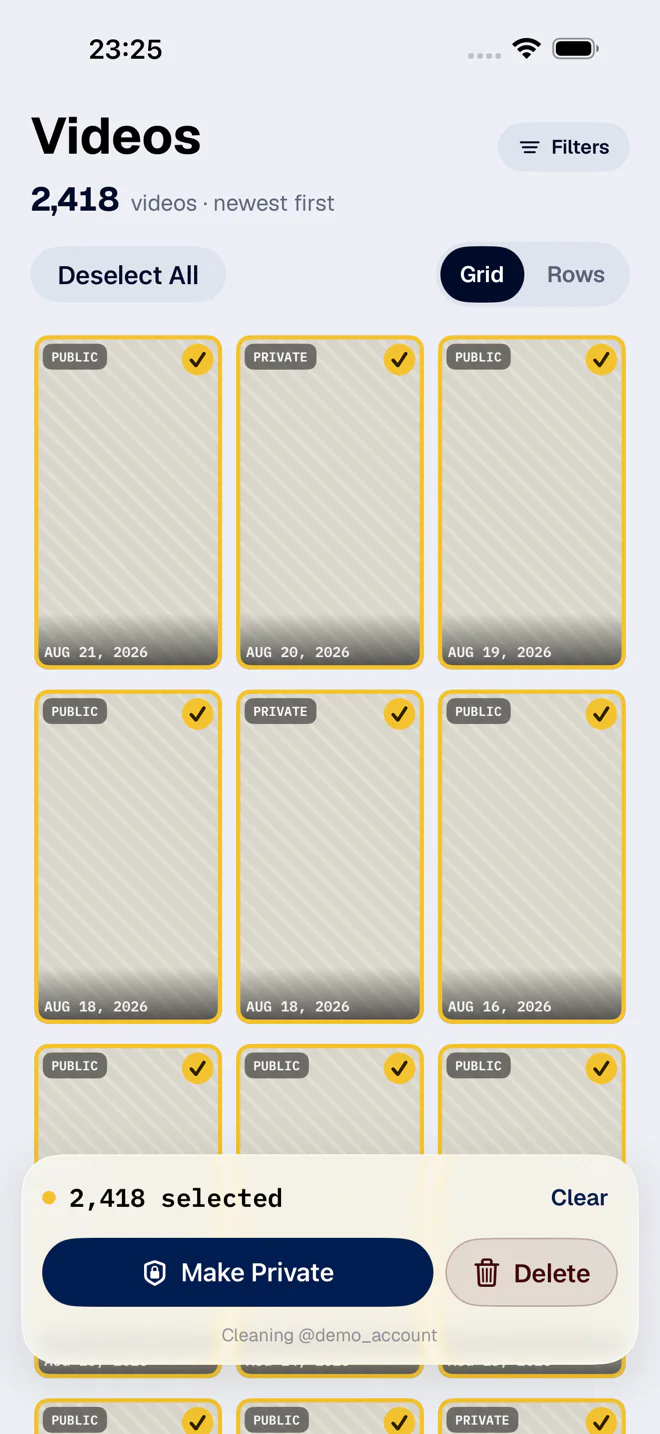
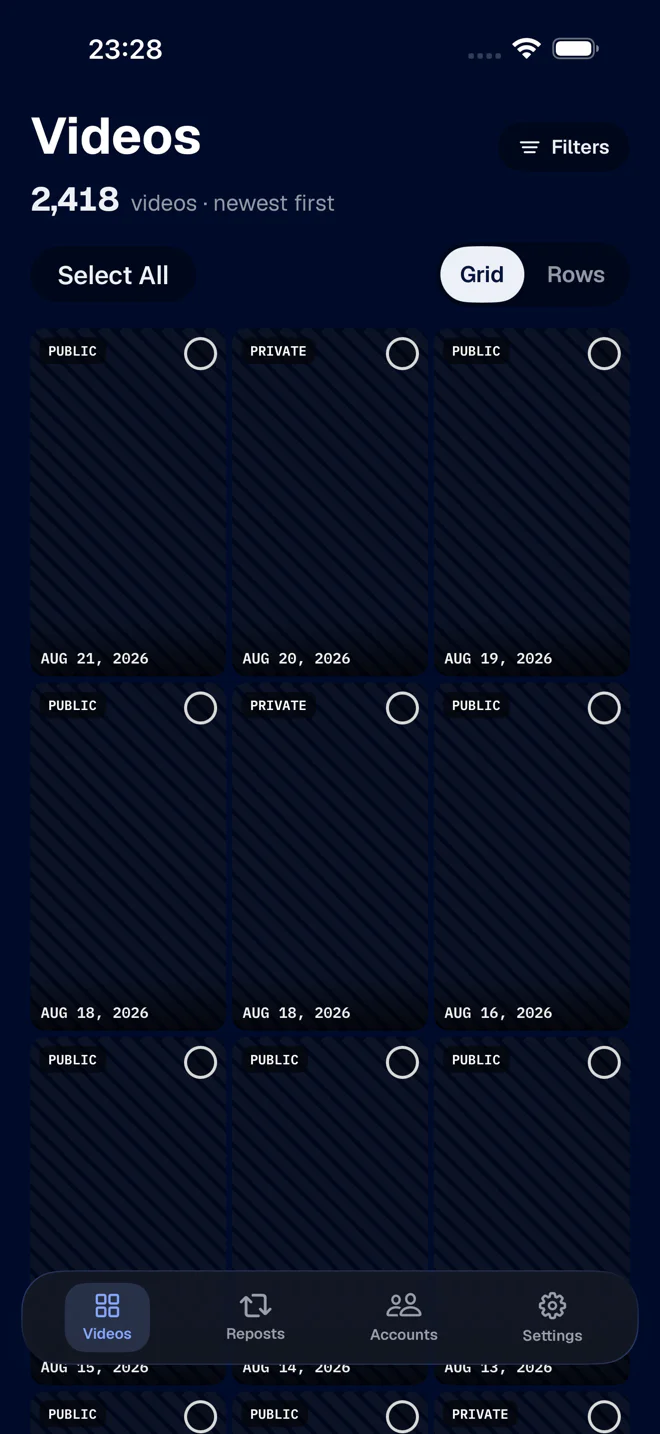
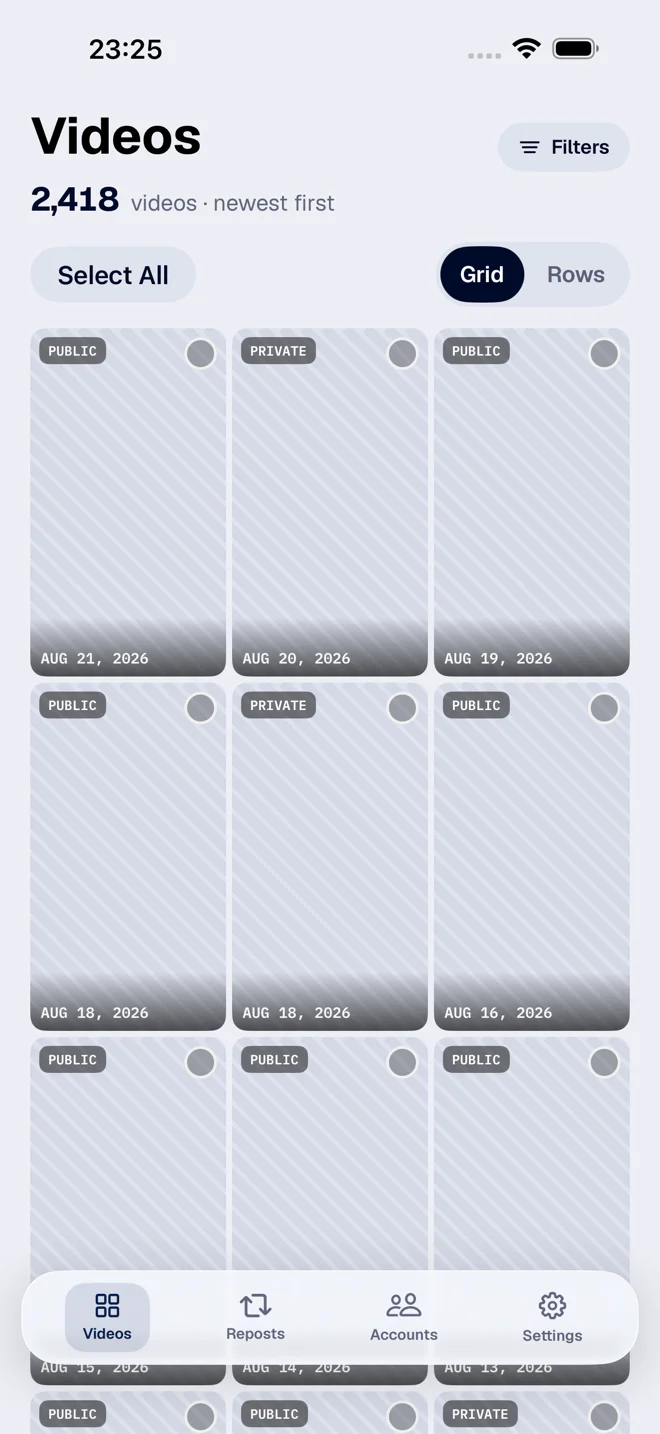
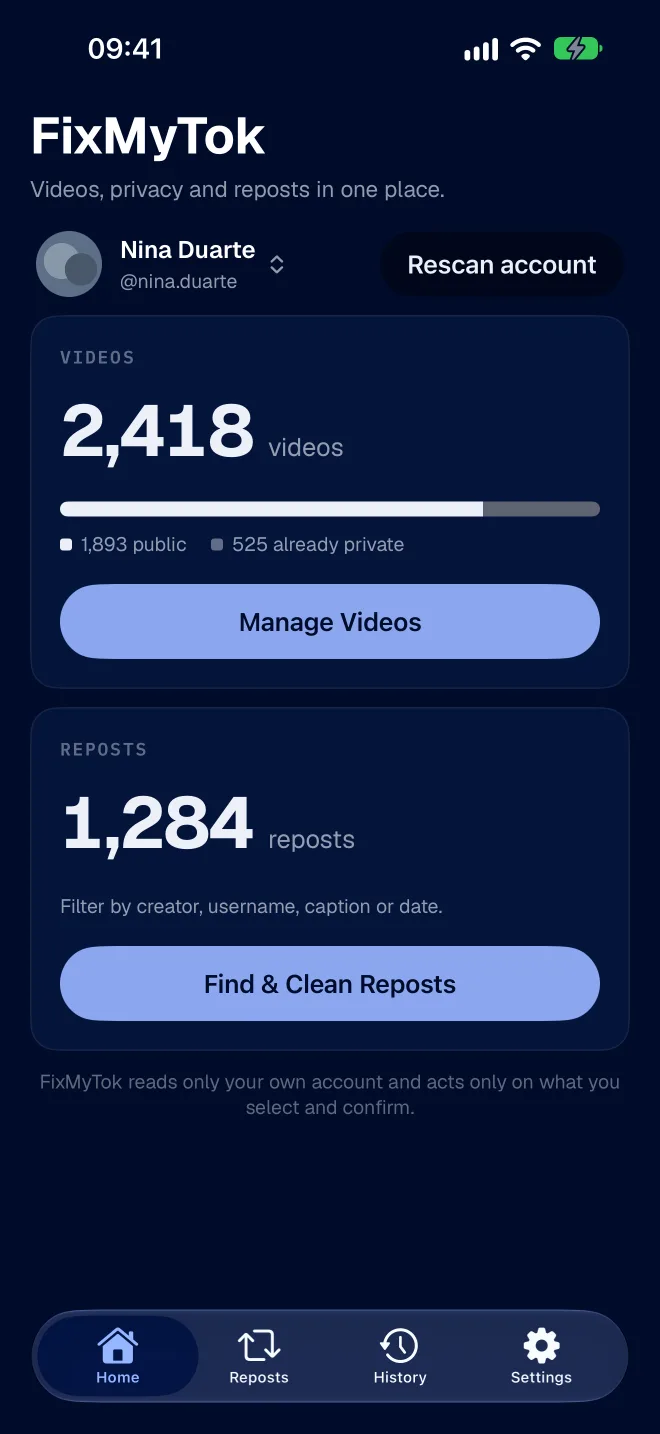
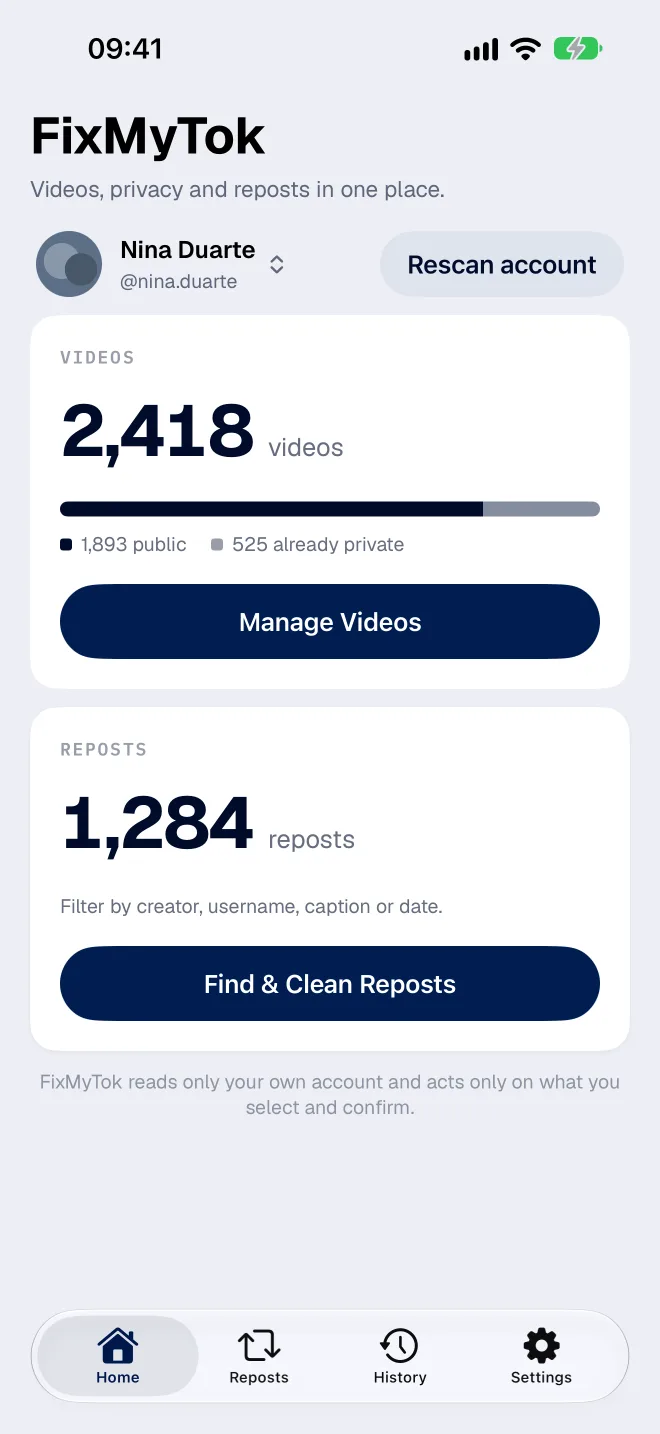
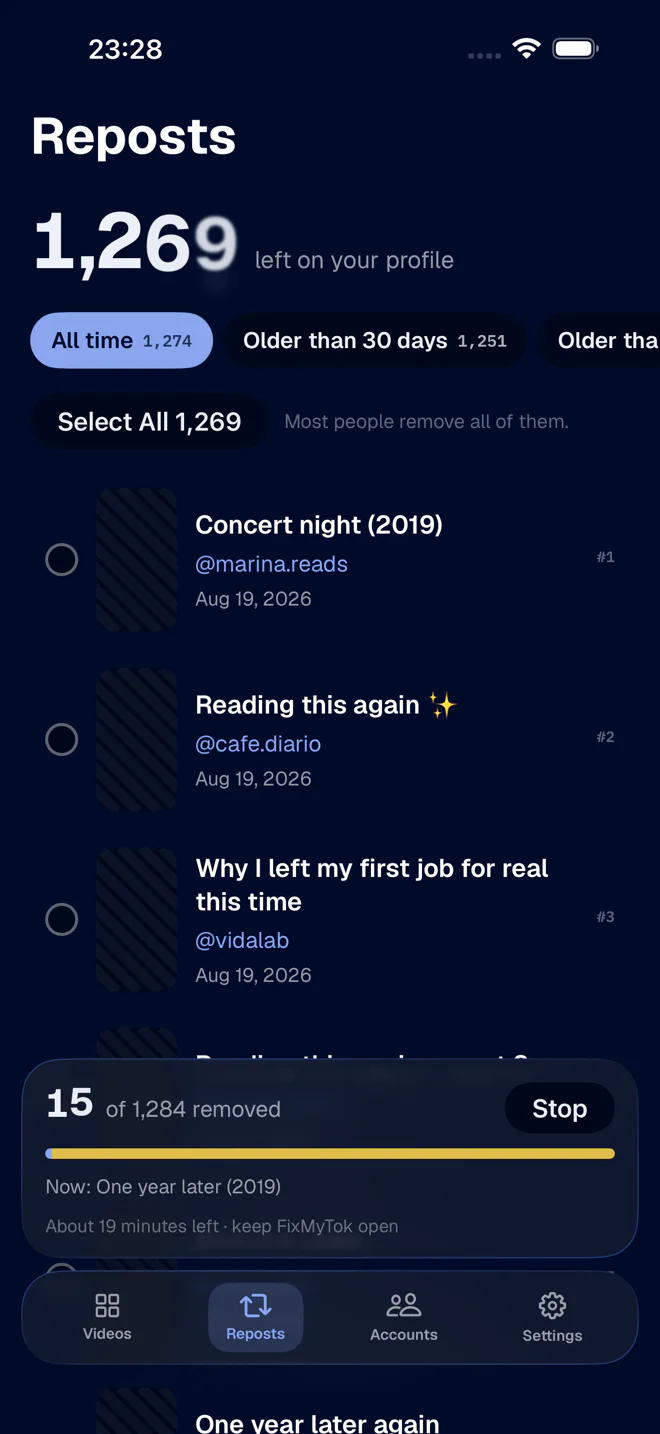
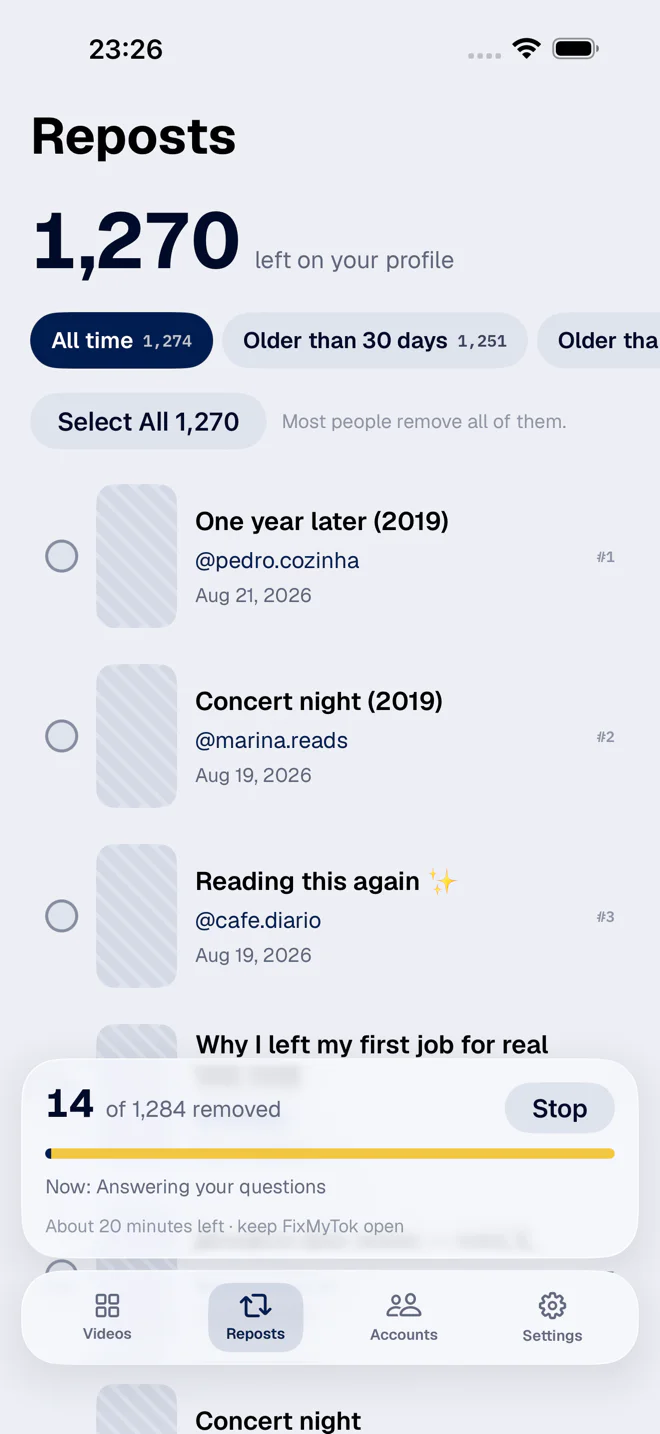
Reposts first. Everything else is optional.
Remove repostsReversible
TikTok's help describes how to remove one repost. It does not document a batch option. FixMyTok removes selected reposts from your account. The original videos stay on their creators' profiles, but replies to a repost are deleted with it. Read the guide to learn what removing a repost does.
Make privateReversible
For videos you posted yourself. They stay in your account, nobody else can see them, and they go public again whenever you like. TikTok calls this Only you. Videos already private are skipped, so the final count can come in lower. That is not a bug.
Friends onlyReversible
The middle setting. The video leaves the public grid, but people who follow you back can still watch. That is TikTok's definition of a friend.
DeleteNo undo
FixMyTok cannot bring a deleted TikTok back, and a finished job has no undo. TikTok keeps deleted posts in Recently deleted for up to 30 days, and that is where a rescue happens. Deleting 50 or more makes you type DELETE and offers to make them private instead. If you hesitate, take the offer.
Repost confirmation
Cleaning @sample_account. Remove 1,284 reposts? Removing a repost never affects the original video, and you can repost any of them again.
Remove 1,284 RepostsDelete confirmation
Delete 147 TikToks? FixMyTok cannot undo this. TikTok keeps deleted posts in Recently deleted for up to 30 days. Type DELETE to continue.
Filters shaped like actual regret
Reposts by creator, username or date. Your own videos by year, visibility or caption.
Select All means what you see
Selection applies to the filtered list, so the number you confirm is the number acted on.
Every job is on the record
History keeps what ran, on which account, and what still needs a retry.
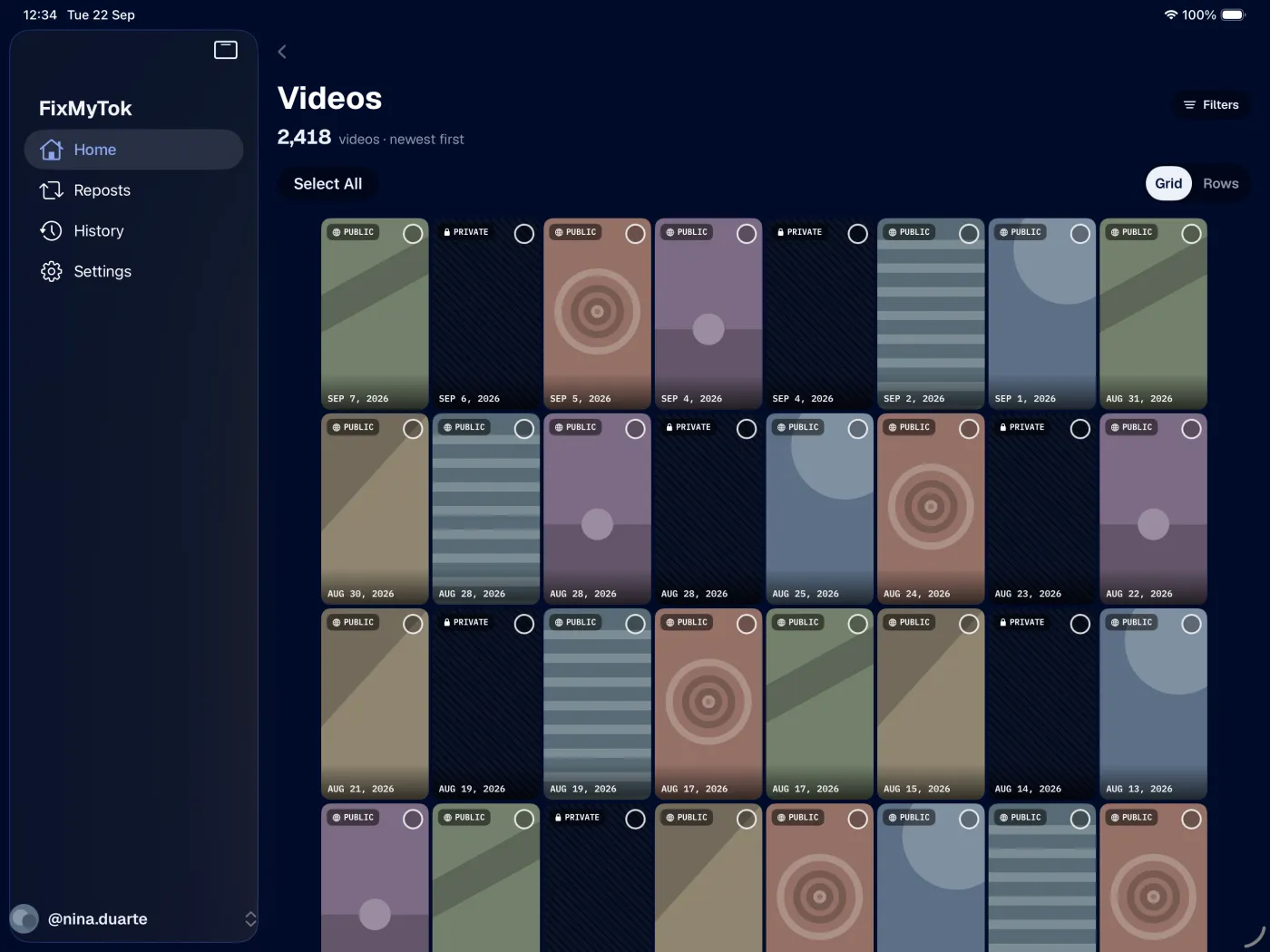
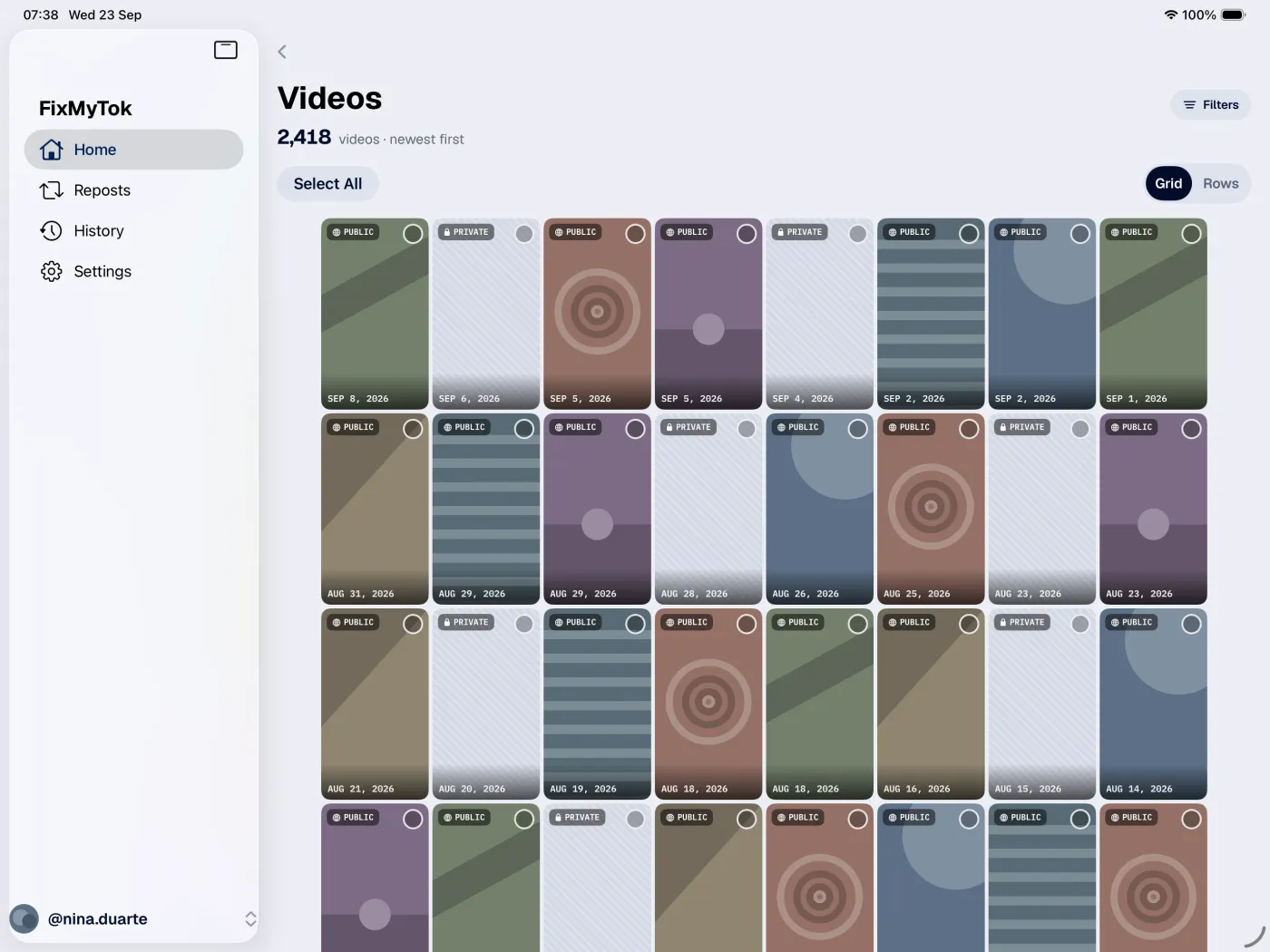
Use FixMyTok on iPad too
More covers fit on an iPad screen, which helps with years of reposts. Same filters, selection and confirmations as on iPhone.


A cleanup is a plan, not a screen
The job lives on the device and remembers its place. Leave the screen, kill the app, drop the phone in the sofa. It comes back paused where it stopped.
You sign in with TikTok. We never see your password.
FixMyTok opens TikTok's own login screen and uses that session to run the cleanup you asked for, on your own account, after you select and confirm. There is no password field of ours in the app.
Nothing leaves the device
Posts, reposts, covers and history stay local. Disconnecting deletes the local copy and changes nothing on TikTok.
It does talk to TikTok, obviously
Reading your catalogue and running a cleanup are network actions through your session. Local-first is not offline.
Independent app
Not affiliated with or endorsed by TikTok. If TikTok changes its website, a cleanup can stop mid-run. That is the deal on somebody else's platform.
The app, on an actual phone
Real screenshots. Nothing here is a mock-up of a screen that does not exist.
Questions
Does removing a repost touch the original video?
No. Removing a repost never affects the original video, and you can repost any of them again.
Can I remove only some of my reposts?
Yes. Search by creator, username or date, select what you want gone, and only that gets removed.
Does making a video private delete it?
No. It stays in your account, others just cannot see it, and it goes public again whenever you want, one by one in TikTok or in bulk in FixMyTok.
Can I undo a deletion?
Not in FixMyTok. TikTok keeps deleted posts in Recently deleted for up to 30 days, so you can try to restore them in the TikTok app. That is TikTok's feature and it can change. Making videos private is the reversible option, so use it when unsure.
Do you get my TikTok password?
No. You type it into TikTok's own login page inside the app. FixMyTok never sees it.
What if my session expires halfway through?
The job pauses and asks you to sign in again. Continue Cleanup picks up from there.
Can I clean more than one account?
Yes, with Premium. Each account keeps its own session, catalogue and history, and a cleanup only ever runs on the account it started from.
Is this an official TikTok tool?
No. It is an independent app doing, in bulk, what you could do by hand in TikTok until your thumb gave up.
FixMyTok is on the App Store and Google Play.
Download FixMyTok on your iPhone, iPad or Android device and start with the reposts.