How to unrepost and remove all your TikTok reposts at once
Published: · Last revised:
“Unrepost” is the word people type. TikTok calls the button Remove repost. Either way, it is the one part of a profile nobody audits. You tapped the arrow once, the video went to your followers, and you never thought about it again. Two years later a few hundred of them hang under your name.
TikTok’s Repost documentation covers the mechanics: you repost a video, it can show up for people who follow you, and you take it back by hitting the same button. The help page describes the action for one video. It does not document a batch option.
How to remove one repost
- Open your profile in TikTok and tap the Reposts tab.
- Open the video that you want to remove.
- Tap Share, then tap Remove repost.
You can also press and hold the video, then tap Remove repost.
Removing your repost leaves the original video intact
Removing a repost removes your repost. It does not delete the original video from its creator’s profile. Replies under your repost are also deleted. Check those replies before you remove the repost. TikTok’s help page does not state whether the creator gets a notification.
Why bother, and why it is slow
A repost is an opinion you published without writing a word. One from 2022 says you agreed with something, and you probably do not remember what. If you are cleaning up for a job search, or handing the account to a brand, the posts you deleted are only half the job. The reposts are still there, speaking for you.
Finding them is the other half of the problem. They live in their own tab, an infinite scroll like the rest of TikTok, with no filter, no date jump and no select-many. You scroll, you tap, the list reloads and you lose your place. Sites like UnReposter exist because enough people hit that wall. As with anything that asks for your TikTok login, check where your session is going before you hand it over.
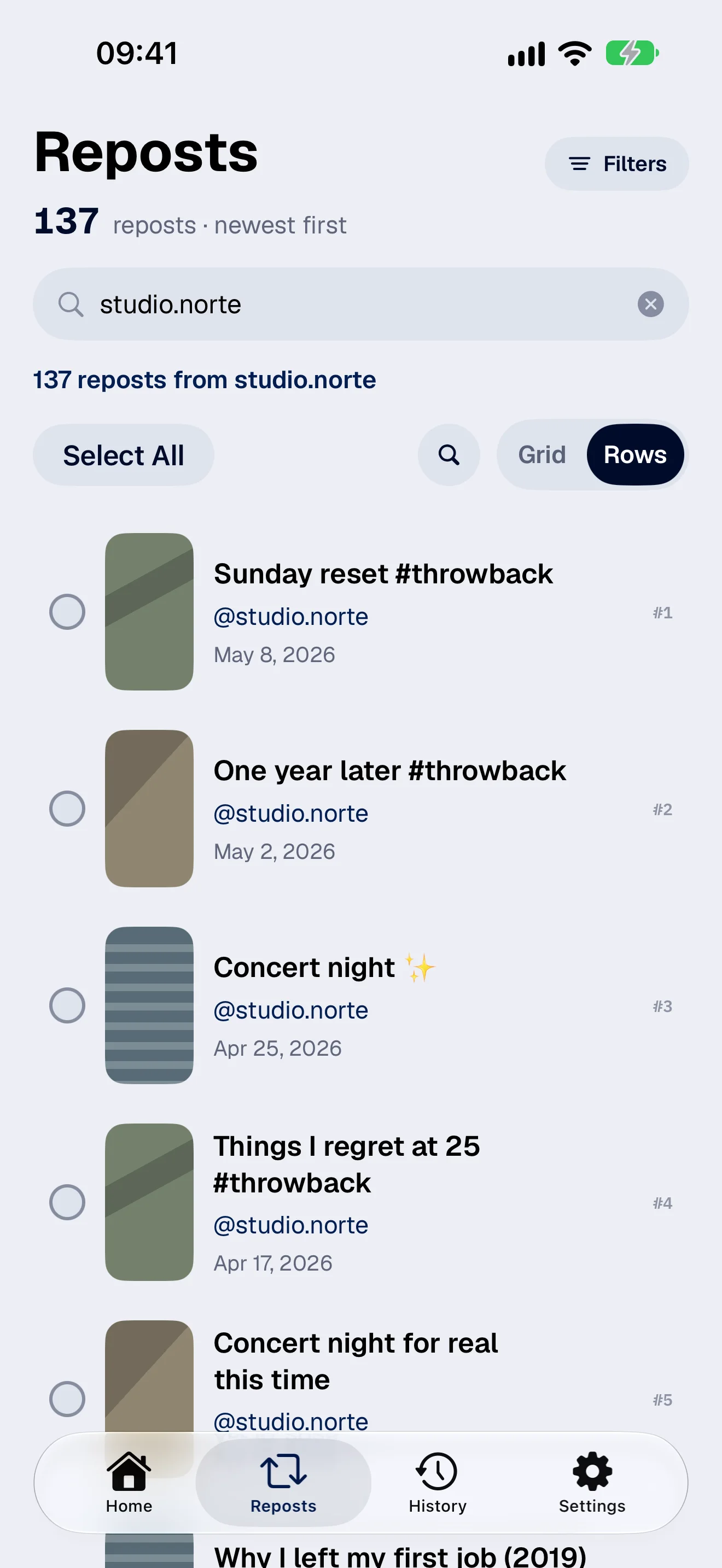
FixMyTok clears reposts as one of its three batch actions, next to make private and delete. You pick the reposts, confirm once, and the app taps un-repost on each one from your iPhone, iPad or Android phone, using your own logged-in session. It is the same action you would perform, a few hundred times.
You can repost the video again, but replies removed with the repost may not return. Check them before you confirm. Then move on to the harder call, private or delete, for the videos you actually made.